Create an album
Your wedding, a weekend away or everyday family life. Give your album a name and make it your place.
 Momentsby pix4.de
YOUR WEDDING. EVERY PERSPECTIVE.
From the first arrival to the last dance, give your guests’ photos and videos a shared home.
Or start in your browserFor iPhone, Android and your browser.

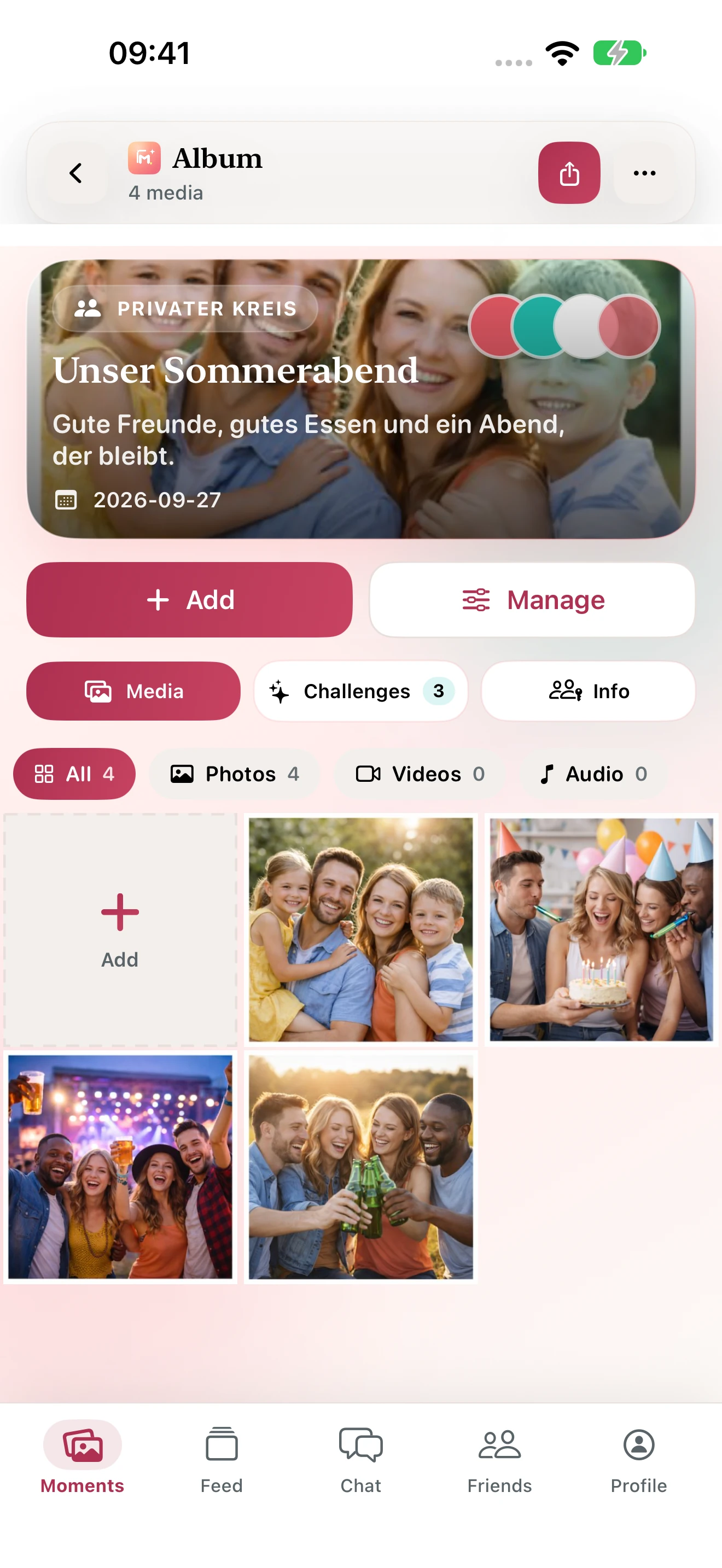
Your shared album.
All your photos together. Your people included.
YOUR WEDDING. EVERY PERSPECTIVE.
Create your wedding album before the celebration. Save its QR code and place it on an invitation, a table card or somewhere easy to see. Check the permissions your guests receive for viewing, uploading, comments and downloads, so everyone knows where to add their memories.
A photo challenge such as “Our favourite dance moment” or “Our group picture” gives your guests inspiration. After the celebration, add any remaining photos and download the album as a ZIP in the latest apps. Your album is there whenever you want to relive your day.
FROM THE FIRST PHOTO TO A SHARED ALBUM
Your wedding, a weekend away or everyday family life. Give your album a name and make it your place.
Share a link or QR code. Choose who can view, upload, comment and download.
Everyone adds their perspective. Enjoy your photos together and download your full album as a ZIP.
BIG DAYS. LITTLE MOMENTS.
Moments brings together the pictures scattered across everyone’s phones.
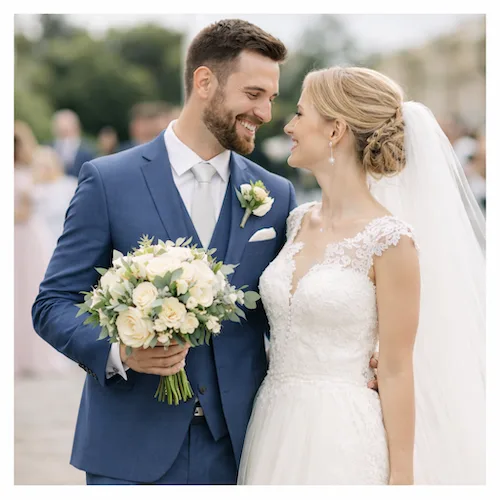
Every guest sees your day differently. Bring every perspective into one album.
Collect wedding photos
Sunsets, day trips and everything in between. One shared album for your journey.
Share travel photos
Little adventures, birthdays and time together. For the people who matter to you.
Explore family albumsMOMENTS, JUST AS IT SHOULD FEEL
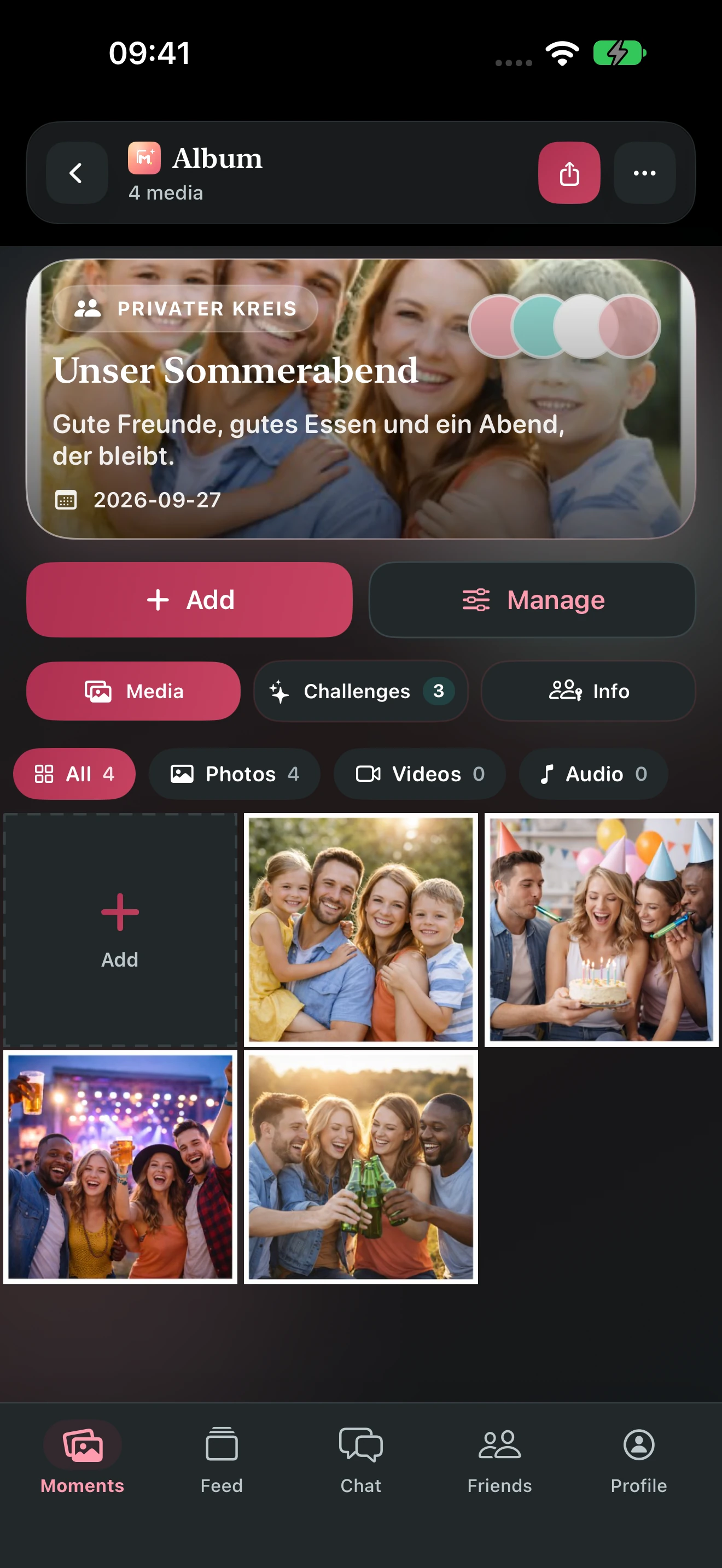
Clear, calm and intuitive. Explore the new app with room for your memories.
Private albums for your favourite people.
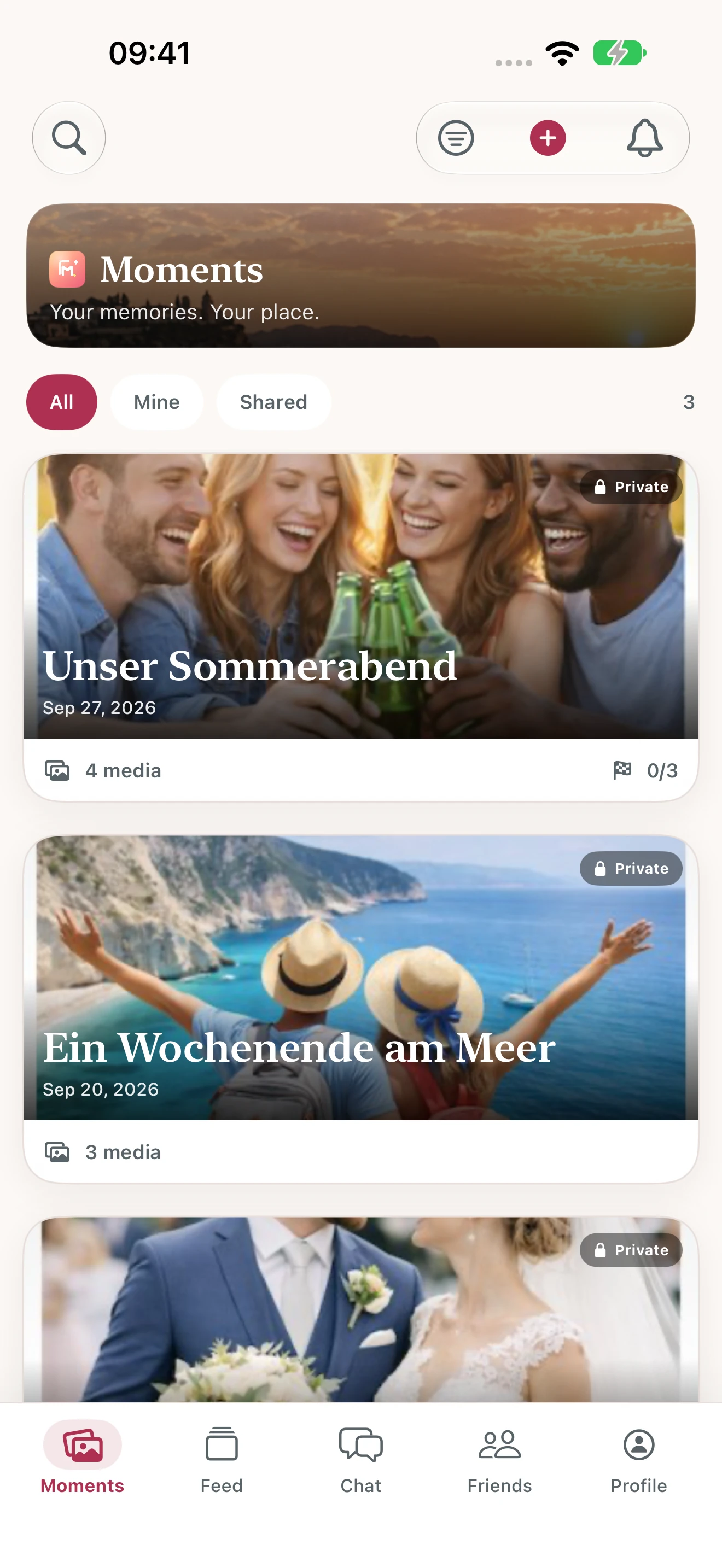
Photos and videos in one shared album.
Invitations, permissions and downloads in one place.
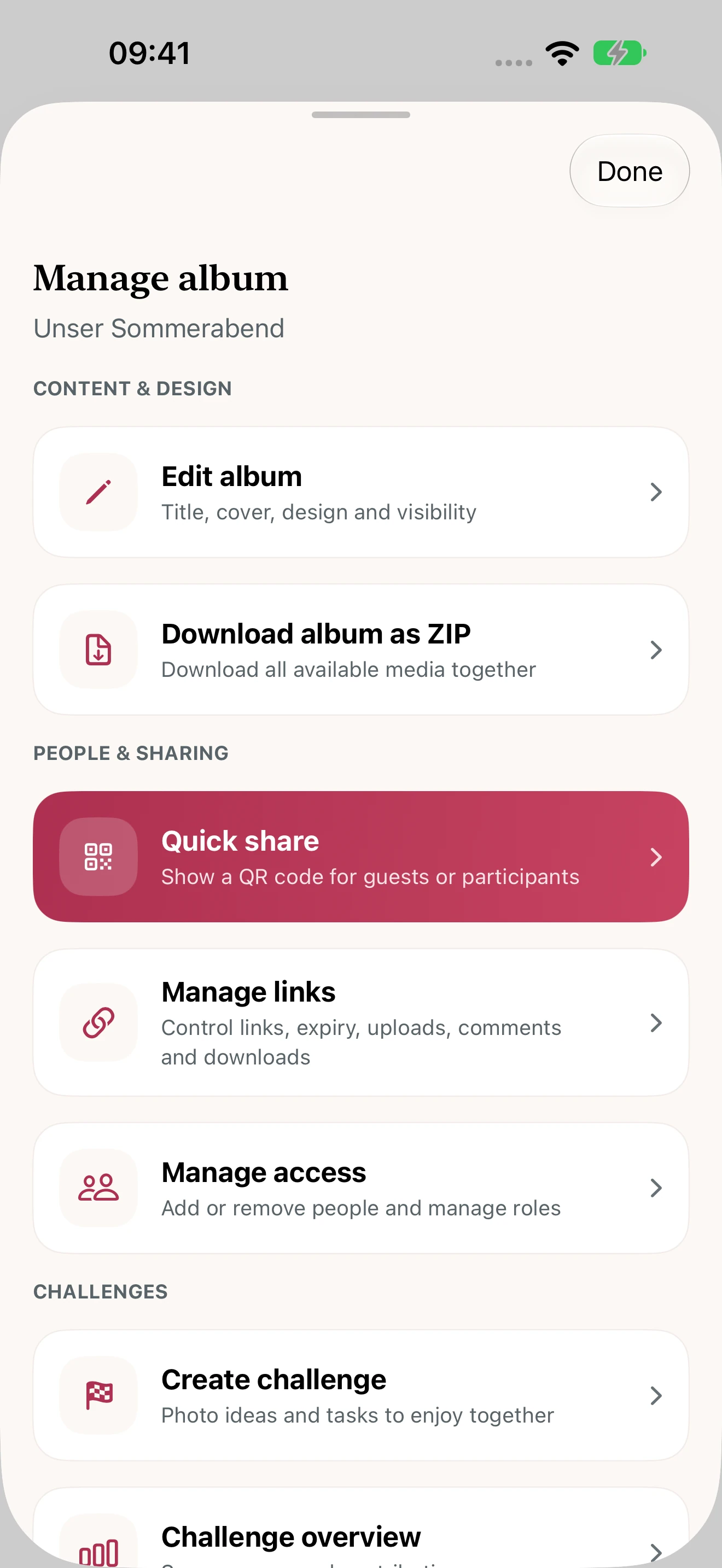
Screens show the new app design. Store updates become available after approval by Apple and Google.
LITTLE DETAILS. A GOOD FEELING.
Save your album QR code as an image. Share it or add it to invitations for your celebration.
Download your full album as a ZIP. Keep your photos and videos together as a collection.
Photo challenges give your guests and friends inspiration for new perspectives.
A private feed, likes, comments and messages keep your conversations going.
YOUR ALBUM. YOUR CHOICE.
Not every moment is for everyone. Invite the people you choose and adjust permissions for each album.
GOOD TO KNOW
You can use the album with iOS, Android or the web app. Guests need a Moments account and a suitable invitation to join and upload.
Yes. Save your album’s QR code as an image. Print it clearly with enough space around the edges and test it with a smartphone before your celebration.
Moments is currently free to use. Create an account and start with a private album.
Yes. The iOS app, Android app and web app use the same service, so invited people can contribute across devices.
Share an invitation link or your album’s QR code. You choose the permissions for invited people in album management.
Yes. The latest apps let you download an entire album as a ZIP. Album permissions determine whether an invited member can download it.
No. Keep your album private or share it with selected people. Check the visibility and invitation permissions in album management.
Visit our support centre for help with the app. You can also reach us at info@hosting-fox.de.
YOUR NEXT MOMENT IS JUST AROUND THE CORNER
Download Moments and start your first album.
Or start in your browser
MOMENTS WEB
Sign in directly in your browser. Or create an account for your next shared moment.
New here? Create an account